Raspberry Pi 5
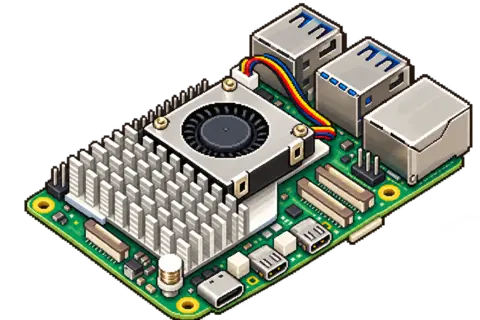
EMBRIS is being developed for Raspberry Pi 5 with a minimum of 4 GB of RAM.

Requirements
Hardware requirements and recommendations for Raspberry Pi 5, plus the game files you supply yourself.
Before you start
EMBRIS targets Raspberry Pi 5 with at least 4 GB of RAM and a maximum display output of 1080p (1920 × 1080). Storage capacity requirements and tested controller models will be confirmed before release.
EMBRIS is being developed for Raspberry Pi 5 with a minimum of 4 GB of RAM.
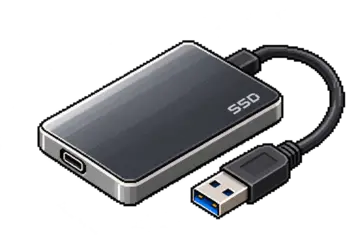
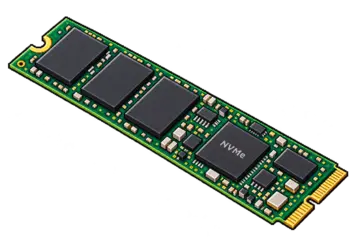
We recommend a USB 3.0 SSD or NVMe SSD for EMBRIS and your prepared game library. NVMe requires a compatible Raspberry Pi 5 adapter.
With compatible NVMe hardware, optional PCIe Gen 3 can reduce loading times. Read about benefits and stability.
microSD is an alternative on Raspberry Pi 5, but preparing and loading games may take longer. EMBRIS installation on each storage type is still to be verified for release.
We recommend the Raspberry Pi 27 W USB-C power supply, especially when connecting a USB SSD, and active cooling for longer gaming sessions.
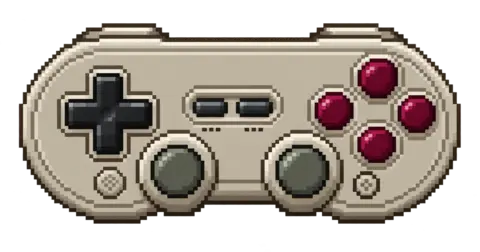
Use an HDMI TV or monitor with a suitable micro-HDMI cable. Some games support a controller; others require a mouse and keyboard. Check the Compatibility page for tested controls. EMBRIS display output is limited to a maximum of 1080p (1920 × 1080), including when connected to a higher-resolution screen. This is an output limit, not a guarantee of gameplay performance. Tested controller models will be listed before release.
Supply your own legally acquired DRM-free game files on a USB drive or network storage. This is your Game Source.
Linux game versions are the primary focus. Windows game files should only be used where support has been confirmed for the individual game. Choose the right game version.
Games may be supplied as folders or supported archives. Read about game files and formats.
Allow space for EMBRIS, prepared game packages, saved games and artwork. Preparing a game also needs temporary free space; the archive size alone does not show how much space is needed.
Keep original game files on your external Game Source.